Supercharge you and your team’s work
A calm markdown editor for Mac, Windows, Linux and iPhone. Every note is a plain.md file in a folder you own — keep it wherever you already sync. On Mac and iPhone, iCloud does that for you. No account, no server, no lock-in.
Free · Mac, Windows, Linux & iPhone
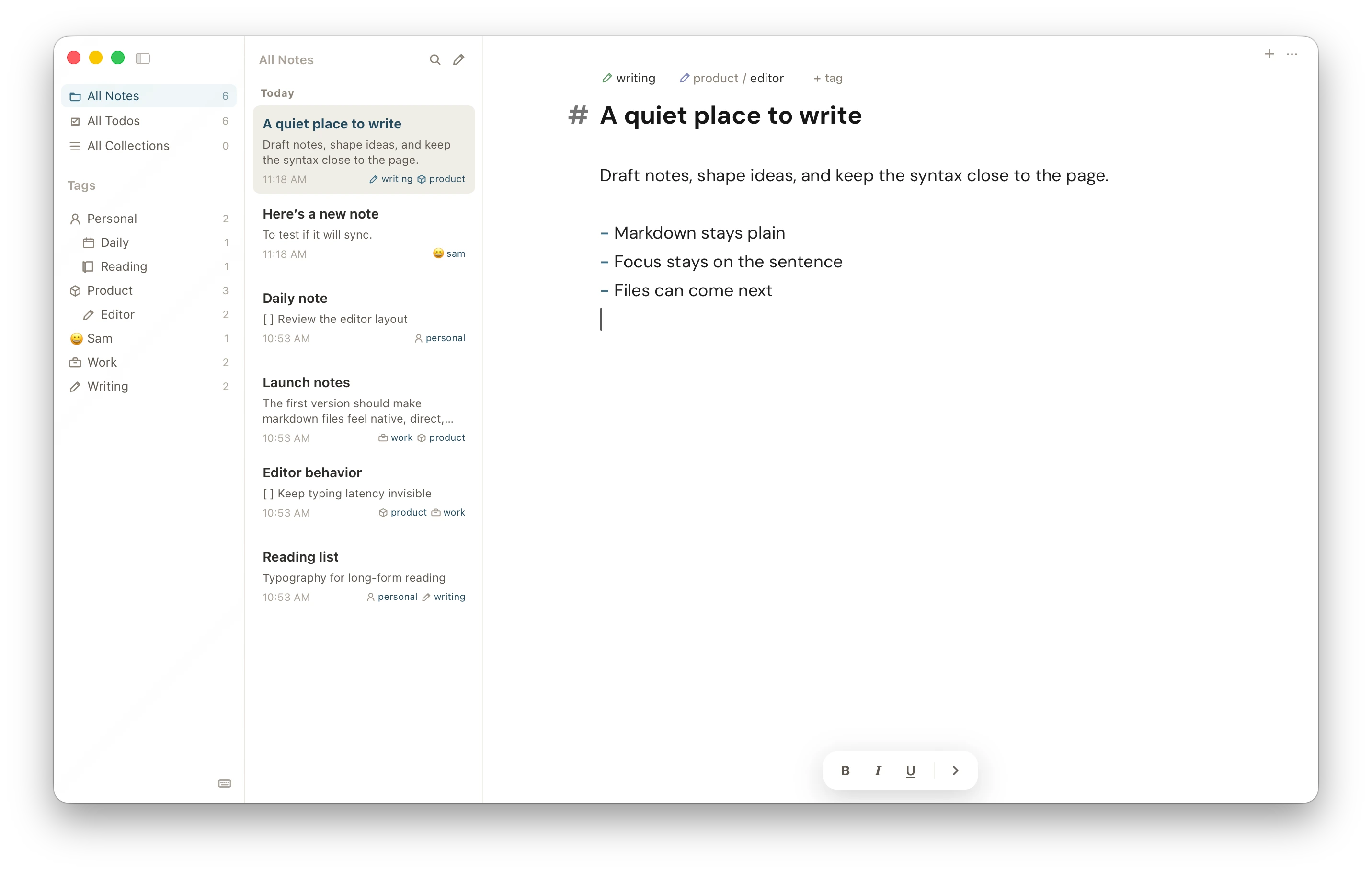
The file model, stated plainly
- Plain .md files
- Your own folder
- Your own sync
- No account
- Open on any editor
02 Capability
Quiet on the surface.
Serious underneath.
Pyramid keeps the interface calm and the file model obvious, then puts a fast editor, a tag tree, a todo roll-up and real version history behind it.
- 01
Plain files, always
One markdown file per note, in a normal folder, with YAML frontmatter. Edit them in Pyramid or in anything else. The app reconciles changes it did not make.
- 02
Tags that nest
Slash-separated tags build a real tree: product/editor sits under product. Give any tag its own icon or emoji, rename it once, and every note follows.
- 03
Todos, gathered
Checkboxes written anywhere in any note roll up into one list. Add !today, !tomorrow or !Aug 12 and the due date is parsed, sorted and flagged as it nears.
- 04
Everything under ⌘K
One palette searches note titles, body lines, tags and thirty-odd commands. Find and replace, split panes, tabs and focus mode are all a chord away.
- 05
Collections from prose
Wrap a few key: value lines in a :::quote block and Pyramid collects every quote across your notes into a browsable, groupable set. Structure without a database.
- 06
History you can read
Save a version at any point, scrub the timeline, and see a word-level diff before you restore. Deleted notes wait thirty days before they go.
03 Method
The editor should feel calm before it feels clever.
Pyramid has no backend to sign into and nothing to migrate away from. Your notes live in a folder on your disk — point it at whatever you already sync, or let iCloud carry it between your Mac and iPhone. Write on one, and it is on the other. Write on both at once and neither version is quietly thrown away.
- 0
- Accounts, servers, sign-ins
- .md
- One plain file per note
- Real-time
- Sync across your devices
04 Platform
Built to be boring in the ways that matter.
- Platforms
- macOS (Apple silicon & Intel), Windows, Linux and iPhone
- Storage
- One .md file per note, YAML frontmatter, in a folder you can open
- Sync
- Real-time across Mac and iPhone through your own iCloud Drive. On Windows and Linux, any folder sync you already use
- Conflicts
- Edit the same note in two places and neither version is lost
- Editor
- CodeMirror 6, markdown or rich-text mode, slash menu, split panes, tabs
- Syntax
- Fenced code highlighting for JS, TS, Python, Rust, Go, SQL, YAML and more
- Export
- PDF, plain text and DOCX, or print straight from the note
- History
- Manual versions with word-level diff. Deleted notes held 30 days
05 Get started
Open it.
Start writing.
Pyramid opens on a folder and gets out of the way. Point it at markdown you already have, or start with a blank page. There is nothing to set up.